Inclusive web design for porta potty rentals: ADA compliance and accessibility that boost bookings
Imagine a website where everyone, regardless of their abilities, can easily find and book a porta potty rental. That’s inclusive web design. For your rental business, it means clearer booking, easier local discovery, and ultimately, more revenue. By following local SEO essentials and WCAG 2.2 guidelines, your site becomes a welcoming space for all customers – event planners, contractors, older adults, and more. This guide will show you why accessibility isn’t just a legal necessity, but a powerful tool for growth, helping you connect with more people and boost your bookings.
Why inclusive web design matters for your rental business
An inclusive rental site ensures that booking forms, product pages, and local information work smoothly for everyone, including those who use screen readers, keyboard navigation, or high-contrast displays. When your site is built with care, it removes frustrating barriers, making it easier for visitors to find what they need and complete their booking. This means higher conversion rates and a wider customer base for you.
Accessible websites generate real leads by making core transactions like quotes and scheduling effortless. It’s a growth channel. Investing in accessibility not only reduces legal risks but also builds a professional, trustworthy brand that encourages repeat business and referrals.
Measurable benefits of accessible web design
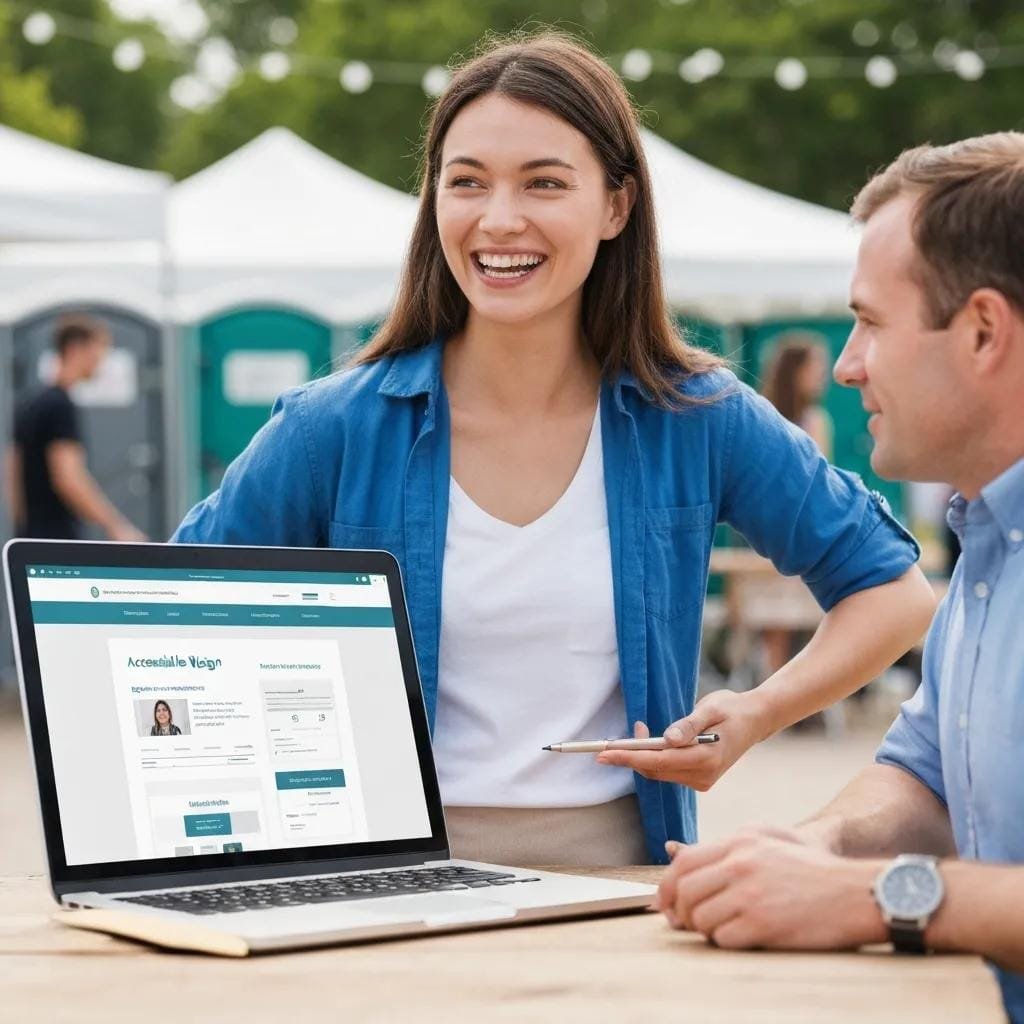
Accessible web design delivers tangible returns for your business:
- **Wider Reach:** Opens your site to people with disabilities and older adults, capturing leads you might otherwise miss.
- **Better SEO:** Semantic markup and optimized images improve crawlability and local SEO, helping you rank higher for local searches.
- **Reduced Support Costs:** Clearer forms and predictable navigation mean fewer support calls and abandoned bookings.
- **Stronger Reputation:** Shows you care about all customers, building trust and loyalty.
How ADA website compliance protects your business
ADA compliance protects your business from legal and reputational risks. The U.S. Department of Justice provides extensive resources on ADA requirements for businesses[2]. Many complaints target common issues like unlabeled form fields, inaccessible booking flows, or broken keyboard navigation. These are all fixable! By conducting audits, publishing an accessibility statement, and monitoring your site, you demonstrate due diligence. This proactive approach not only reduces litigation risk but also signals to customers that inclusion is a priority.
Inclusive web design services for WCAG compliance
Achieving lasting WCAG compliance involves a blend of auditing, remediation, accessible UX design, and ongoing monitoring. These services work together to identify issues, fix them, improve user experience, and prevent new problems from arising.
| Service | What it does | What you get |
|---|---|---|
| Accessibility Audit | Automated scans + manual testing of key pages and booking flows | Prioritized findings report mapped to WCAG standards |
| Remediation Package | Code fixes, content updates, ARIA, and keyboard corrections | Remediation tickets and updated page templates |
| UX & Design Refinement | Optimizing booking flow, calls-to-action, contrast, and microcopy | Accessible UI templates and a pattern library |
Key WCAG 2.2 checkpoints for rental websites
WCAG 2.2 focuses on making content Perceivable, Operable, Understandable, and Robust. For rental sites, prioritize these areas:
- **Color Contrast:** Ensure text is easy to read for everyone.
- **Keyboard Operability:** Make sure all interactive elements can be used with a keyboard.
- **Form Labels:** Clearly label all form fields and error messages.
- **Semantic Markup:** Use proper headings and structure for clarity.
- **Alt Text:** Provide descriptive text for all images.
Critical features for an accessible rental experience
Certain front-end features have a huge impact on how easily users can discover, evaluate, and book your rentals. Focusing on these can significantly improve both accessibility and conversion rates.
Accessible front-end checklist:
- Every interactive control must be reachable and operable by keyboard, with clear focus indicators.
- Add descriptive alt text to all product and site images; include captions where they add context.
- Use semantic headings, ARIA only when truly necessary, and clear form labels with inline validation messages.
| Feature | Why it matters | Business Impact |
|---|---|---|
| Keyboard navigation | Logical tab order, visible focus styles | Fewer abandoned bookings from non-mouse users |
| Alt text & captions | Descriptive image attributes | Improved accessibility and better image search relevance |
| Accessible forms | Labeled fields, clear error handling | Lower support calls and higher conversion rates |
How keyboard navigation improves interaction
Keyboard navigation allows users who can’t use a mouse to move through your site and complete booking forms by tabbing through elements. It’s crucial to eliminate “keyboard traps” where focus gets stuck and to provide visible focus indicators so users always know where they are. Testing your booking flows with just a keyboard can reveal barriers automated tools often miss.
Why color contrast and alt text matter
Good color contrast ensures that pricing, dates, and calls-to-action are readable for users with low vision or color blindness. Alt text provides meaningful descriptions for images, like “standard single portable toilet with hand-sanitizer station,” helping screen reader users understand your products. These simple fixes reduce confusion, improve search relevance for your product photos, and build trust.
How accessible UX design boosts customer engagement
Accessible UX design makes your site easier to use for everyone. It reduces confusion, clarifies booking steps, and offers multiple ways to interact. Plain language, predictable navigation, and flexible interaction modes (keyboard, touch, voice) help customers find units, check specs, and book faster. Clear calls-to-action and visible confirmation messages reduce uncertainty at checkout, improving conversions. When paired with semantic structure, search engines also understand your content better, boosting your visibility.
Practical inclusive design principles:
- Use plain language and unmistakable calls-to-action on product and booking pages.
- Offer multiple contact options: form, prominent phone number, and accessible chat.
- Keep layouts consistent and flows predictable across all pages.
These UX principles, combined with semantic structure, benefit both your users and search engines. For additional lead volume, consider paid ads to drive qualified traffic to your optimized booking pages.
Ongoing support and monitoring for accessible rental websites
Maintaining accessibility requires a continuous effort. Regular automated scans, manual testing, and analytics tracking help you catch new issues and measure your progress. Embed accessibility checks into your update process to prevent new problems from creeping in.
| Activity | Frequency | Recommended Tool / Metric |
|---|---|---|
| Automated scans | Weekly | Lighthouse / Axe accessibility score |
| Manual assistive-tech testing | Monthly | NVDA / VoiceOver walkthroughs of booking flow |
| Analytics monitoring | Ongoing | Form completion rate, bounce rate, organic impressions |
Beyond site compliance, a full digital strategy often includes social media marketing to boost brand visibility and drive traffic to your accessible booking pages.
Tools to measure accessibility and UX effectiveness
Combine automated scanners (like Lighthouse and Axe) with manual assistive-technology tools (like NVDA and VoiceOver) and analytics to get a complete picture. Automated tools give scores and flag common issues, while manual testing validates real-world usability. Analytics and heatmaps reveal how users behave after fixes, helping you connect accessibility work to conversion lifts.
Getting started: make your porta potty website inclusive and ADA compliant
Ready to make your site more accessible? Here’s how to begin:
- **Publish an Accessibility Statement:** Show your commitment and transparency.
- **Conduct Audits:** Run automated scans and manual tests on your primary booking pages.
- **Prioritize Fixes:** Focus on high-impact items like form labels, keyboard traps, and contrast issues.
- **Set a Roadmap:** Create a 30/60/90-day plan for remediation.
These steps build momentum and demonstrate due diligence. Many owners partner with specialists like SEO for Porta Potties, who offer tailored services from audits to ongoing monitoring, focusing on lead generation and local SEO impact.
How an accessible web design company helps
An accessible web design partner brings expertise in auditing, remediation, UX redesign for booking flows, and ongoing monitoring. They provide WCAG-mapped audit reports, prioritized remediation plans, updated accessible templates, and dashboards to track accessibility and conversion KPIs. This reduces your internal workload and speeds up results, leading to clearer booking flows, lower support overhead, and better local search performance.
Frequently asked questions
What’s the difference between ADA compliance and WCAG guidelines?
The ADA is U.S. law requiring websites to be accessible. WCAG provides the technical guidelines on *how* to make web content accessible. Think of ADA as the “why” (legal requirement) and WCAG as the “how” (practical steps).
How do I measure the effectiveness of accessibility improvements?
Use automated tools (Lighthouse, Axe) for scores, and manual testing with assistive technologies for real-world insights. Track KPIs like form completion rates, bounce rates, session duration, and organic visibility to quantify the impact on bookings and user experience.
What common barriers block accessibility on rental websites?
Frequent issues include unlabeled form fields, missing keyboard support, poor color contrast, and absent alt text. These can prevent customers from completing bookings. Fixing them is crucial for an inclusive experience.
How often should I run accessibility audits?
Audit at least yearly, and more often after major site changes. Also, run continuous automated scans (weekly) and manual reviews (monthly) to catch regressions and maintain compliance.
Can I make my website accessible without a full redesign?
Absolutely! Many significant accessibility gains come from targeted code and content fixes: labeling forms, improving keyboard navigation, increasing contrast, and adding alt text. Prioritize high-impact items for meaningful progress without a full overhaul.
What role does user feedback play in accessibility?
User feedback is invaluable. People who rely on assistive technologies often identify issues automated tools miss. Soliciting and acting on this feedback helps you prioritize fixes that truly matter to your users.
References
- W3C. (2023). Web Content Accessibility Guidelines (WCAG) 2.2. https://www.w3.org/TR/WCAG22/
- U.S. Department of Justice. (n.d.). Web Accessibility. https://www.ada.gov/resources/web-accessibility/
Conclusion
Making your porta potty rental website inclusive is a smart business decision. ADA and WCAG-aligned improvements expand your reach, reduce legal risk, and boost conversions by making booking flows clearer and more reliable for everyone. Prioritize high-impact fixes, set up monitoring, and view accessibility as an ongoing channel for growth. If you need help, our tailored services are designed to make rental sites accessible, discoverable, and converting, so you can focus on running your business.